
NDIS and aged care data migration
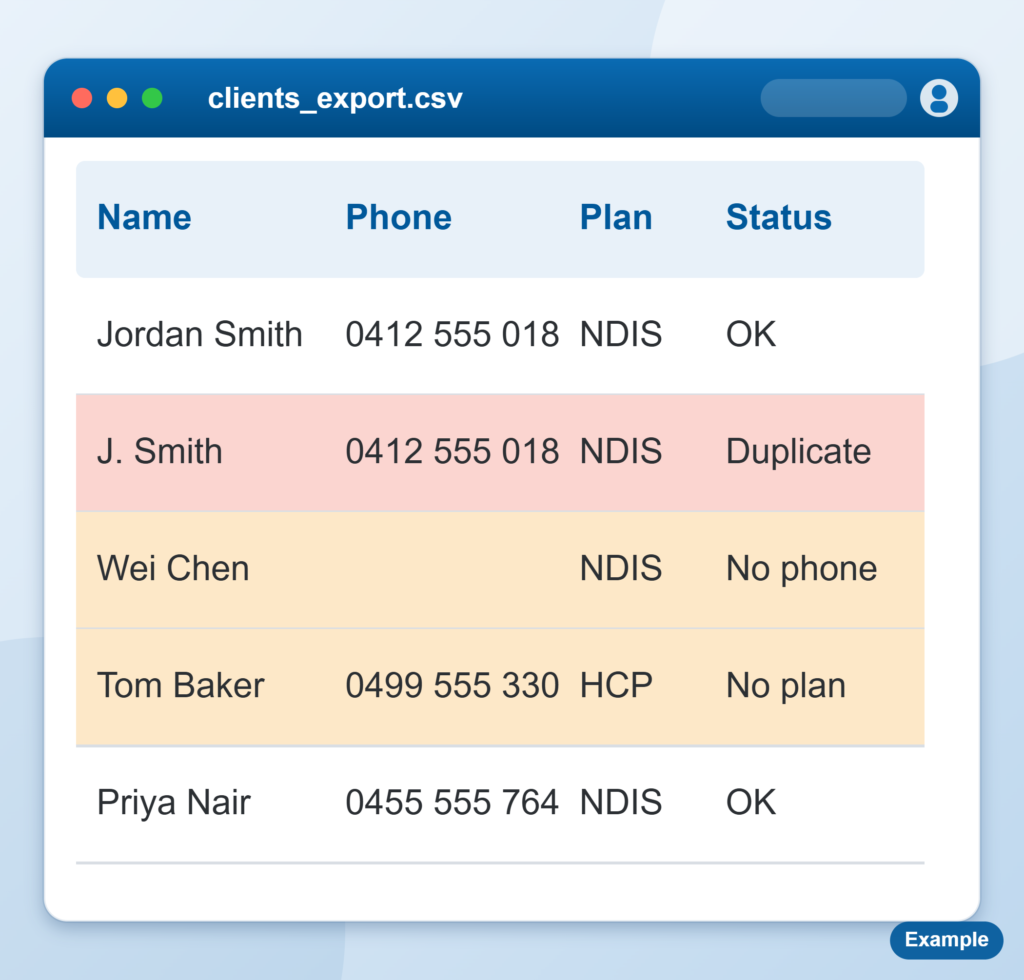
Moving off an old system is where care management software implementation projects usually get into trouble. The new platform is normally fine. The problem is what goes into it: duplicate clients, half-filled fields, agreements that expired two years ago, notes nobody can find.
What we do
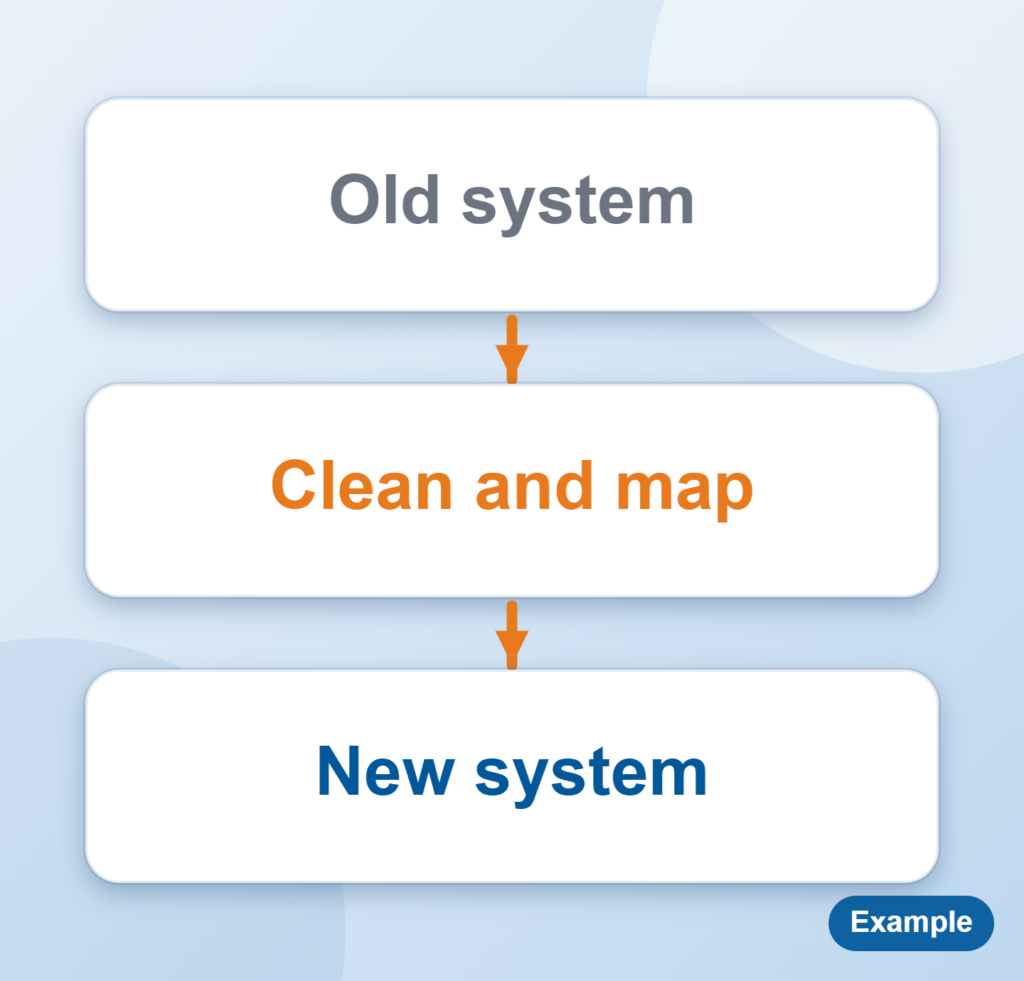
- Look at your old system and databases and work out what needs to come across, and what can be archived or left behind.
- Pull the data out, clean it up and map it to the new system’s fields.
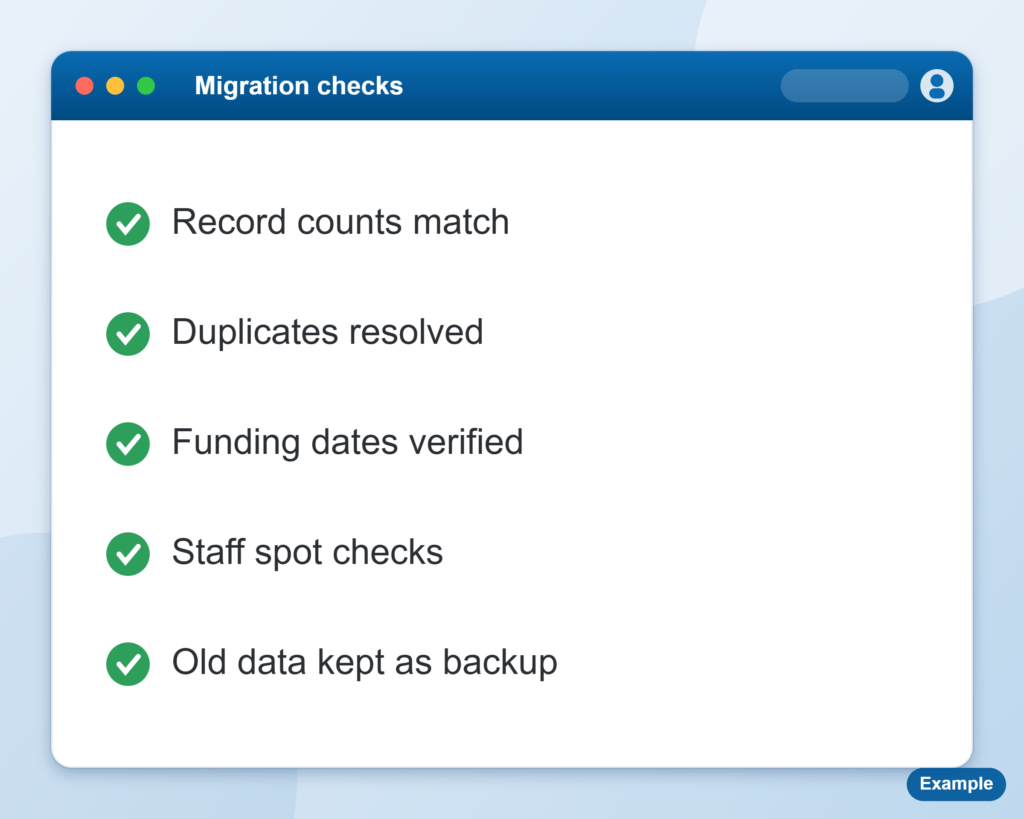
- Run test loads on a copy, then check counts and totals with the people who use the records every day.
- Support the cutover and reconcile again afterwards.
Problems we usually find
- Duplicate participant or client records, with the same person spelled three different ways.
- Service agreements with no end date, or the wrong one.
- Workers with missing or out of date qualifications and screening dates.
- Notes and incident records in free text that will not map cleanly to the new system.
- Billing history that does not match what was actually delivered.
We list these before the load, not after, so you can decide what gets fixed, what gets archived and what gets left behind.
What we need from you
Access to the old system, someone who knows what the data means, and a decision on how much history you want to keep. We also need someone from your team to check the test loads, because they know what a right record looks like. We work to your privacy and security requirements, and our privacy policy sets out how we handle information.
Clean data is worth more than a fast move
A migration that rushes the load just moves the mess. We take the time to check what comes across, so your team trusts what they see on day one.
What we usually move
- Participants or clients, with contacts, goals and plan details.
- Workers, with qualifications, screening and availability.
- Service agreements and bookings.
- Plans or budgets, and funding.
- Progress notes, incidents and complaints.
- Invoices, claims and payment history.
- Documents and attachments.
How long it takes
How long it takes depends mostly on how many systems the data sits in and how clean it is. A single system with tidy records moves faster than several systems, spreadsheets and years of free text. Most of the time goes on cleaning and checking, not on the load itself.
After a first look we give you a plain estimate and a staged plan, with test loads along the way so there are no surprises at go live.
We check before we load
Test loads run on a copy, and your team checks the counts and totals before anything goes live.
You decide what moves
We list the problems up front, so you choose what gets fixed, archived or left behind.
See it in practice
FOCUS Connect: we looked at their legacy software and databases, then cleansed and mapped the data and handled the migration. Read the success stories.
Planning a move? Book a free session and tell us where you are up to. Read our privacy policy.
What this means for you
- You go live with clean data you can trust, not a copy of the old mess.
- Your staff are not hunting through old systems afterwards.
- You have a clear line on what moves across and what stays in the archive.
