
API Connections Between Your Software Systems
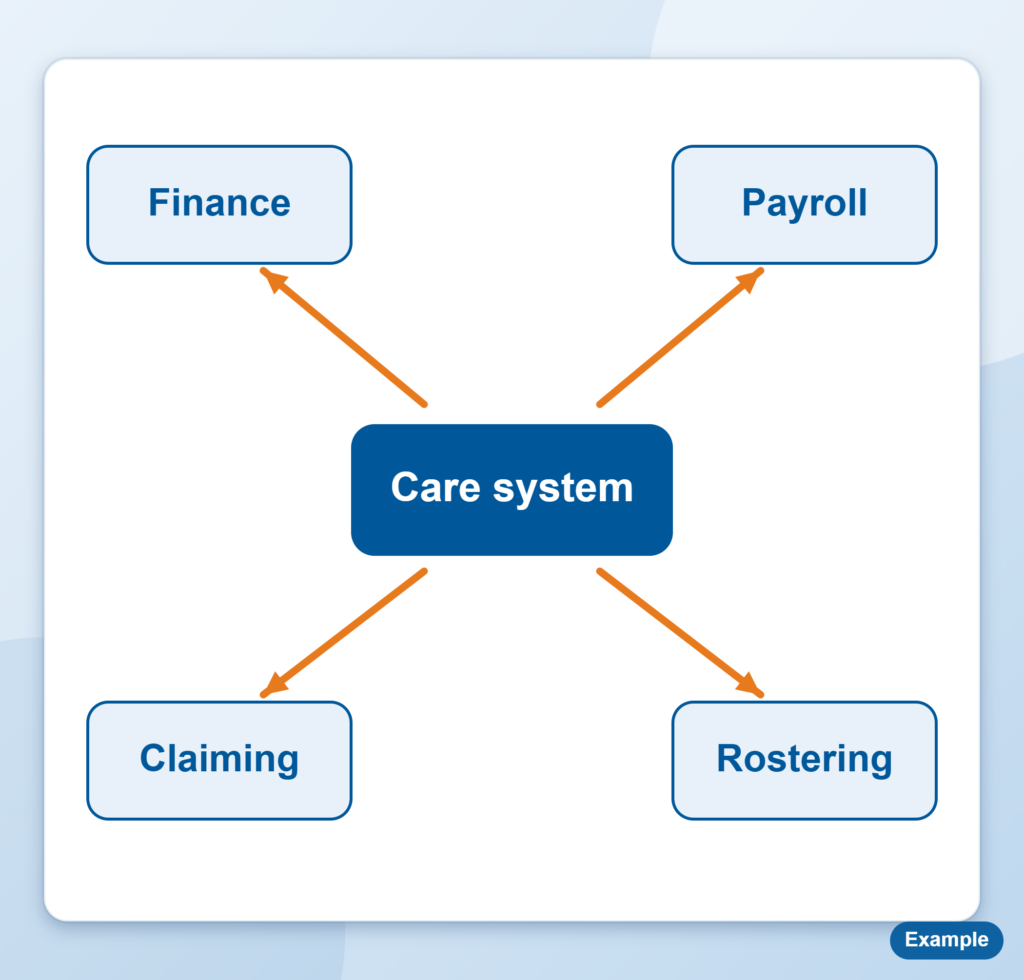
Your care management software, finance system and payroll should share data, not rely on someone retyping it. We connect them so information moves between them on its own.
Making your systems talk to each other
- Care management software to your finance system, so invoices, payments and balances stay in sync.
- Care management software to payroll, so timesheets and pay items flow through without double entry.
- Connections to government claiming systems where they offer one, such as the Support at Home API through PRODA.
- Anything else with a usable API, such as rostering, CRM or reporting tools.
Where a system does not offer an API, we look at the safest alternative, such as a scheduled export, and tell you the trade offs before we build anything.
Signs you need it
- Staff retype the same information into two or more systems.
- Month end means exporting spreadsheets and matching them up by hand.
- The numbers in your care system and your finance system do not agree.
- You run more than one platform and cannot easily see across them.
- Claiming or billing takes days of manual work.
Every retype is a chance for an error, and errors found at month end cost more to fix than errors caught when they happen.
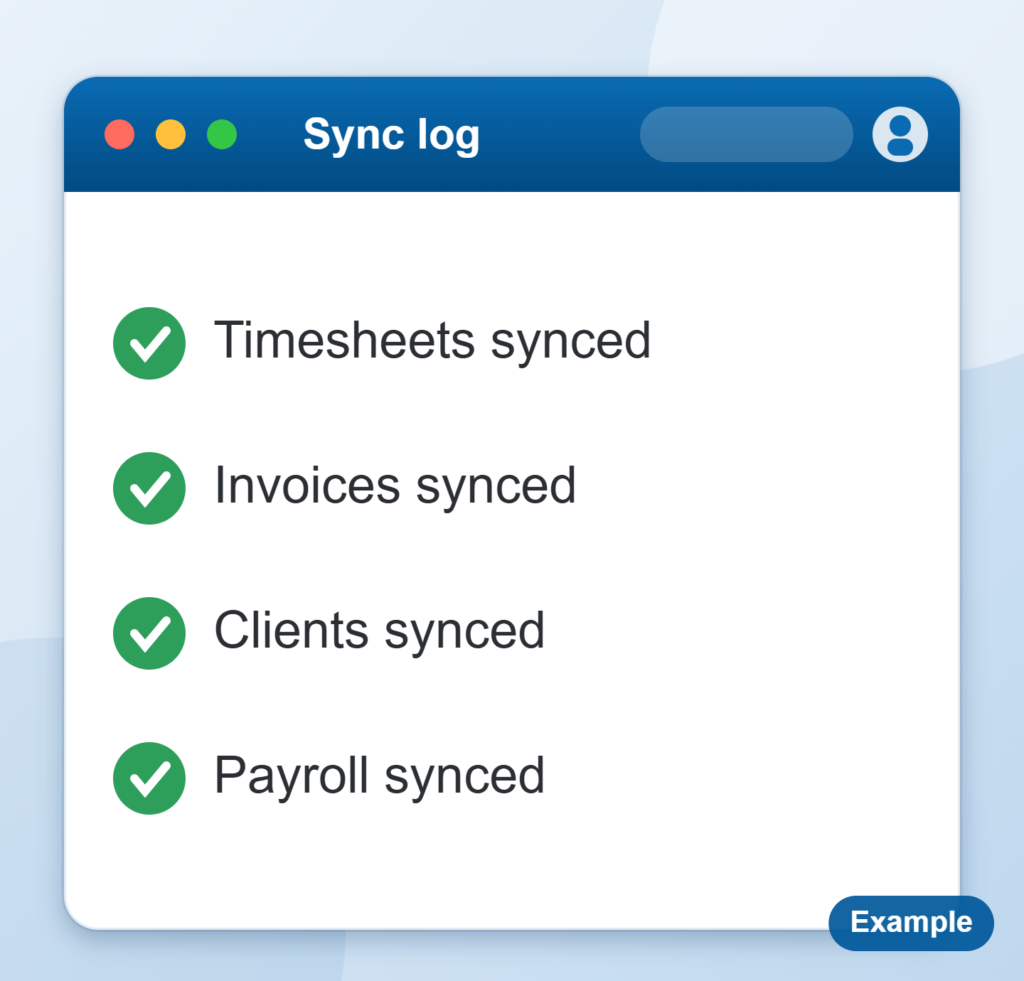
Systems that share data, not spreadsheets
When your care, finance and payroll systems talk to each other, your team stops retyping and your numbers start to agree.
How it works
- Map what data needs to move, where it starts and where it needs to end up.
- Check what each system API can and cannot do.
- Design and test the connection on a copy, not your live data.
- Build it, go live and watch the first cycle closely.
- Document it so someone else can look after it later.
We keep the connection simple on purpose. Fewer moving parts means fewer things to break. We also agree how failures will be flagged, so a failed sync does not sit unnoticed.
What we need from you
Admin access or a named contact for each system, someone who knows how the data is used, and a view on what should stay manual. Check your vendor agreements as well, since some vendors limit or charge for API access.
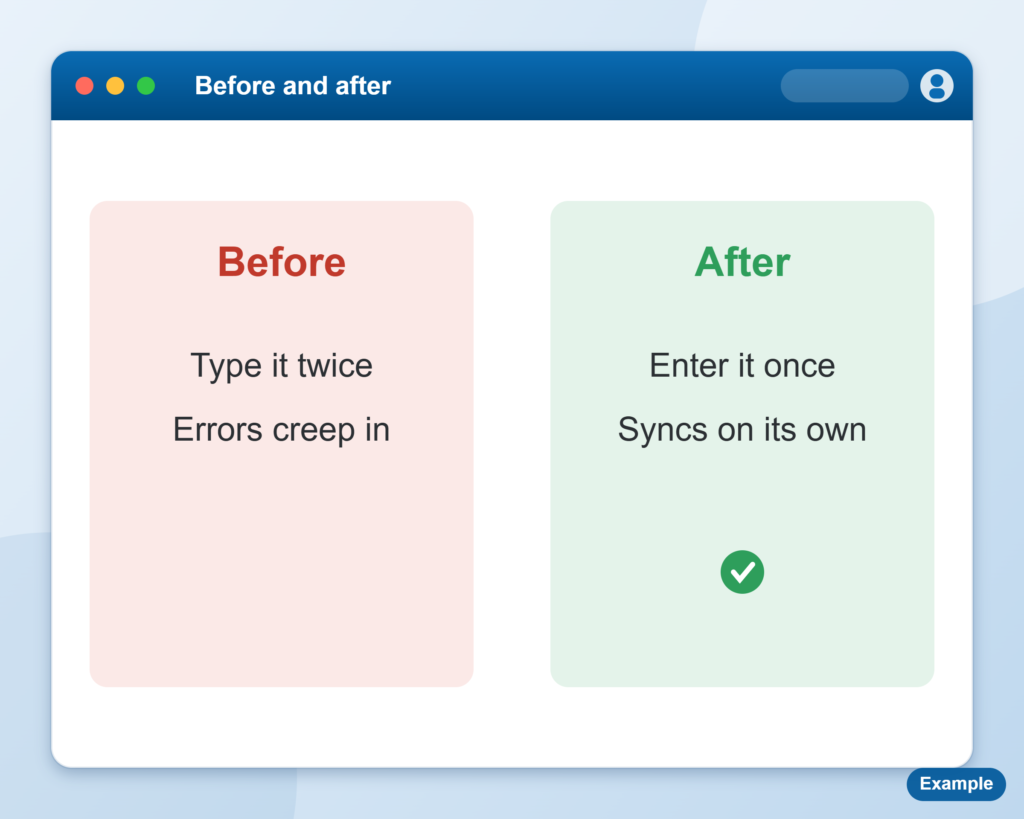
Less double entry
Information moves between systems on its own, so staff stop retyping it.
Built and tested safely
We test the connection on a copy, not your live data, and watch the first cycle closely.
A connection we have built
For FOCUS Connect we worked with the Support at Home API through PRODA, and the finance system API for payroll and billing, so data moves between them without being retyped.
The result is that claiming, payroll and billing run from one set of records, and the team spends its time checking exceptions, not keying data. See the success stories, or read about Power BI reporting once your systems are connected.
What this means for you
- Less double entry.
- Fewer errors from retyping.
- Your systems agree with each other.
- More value from software you already pay for.
Got systems that should be talking?
Tell us what you are connecting today. Your first session is free.
