
System implementation, technical lead and project management for care providers
When you roll out a new care management system, somebody has to run the project and somebody has to run the technical side, all while your team keeps delivering services. We can do either or both, and keep you in the loop weekly.
Three ways we can help
Technical lead
- Making the technical calls so your team is not left guessing.
- Guidance on how the system should be set up, and checking that it is.
- Talking to your software vendor and chasing issues until they are closed.
- Sorting out what is normal and what is a red flag.
System implementation
- Configuration and settings, user setup and permissions.
- Connecting the system to things like payroll and accounting.
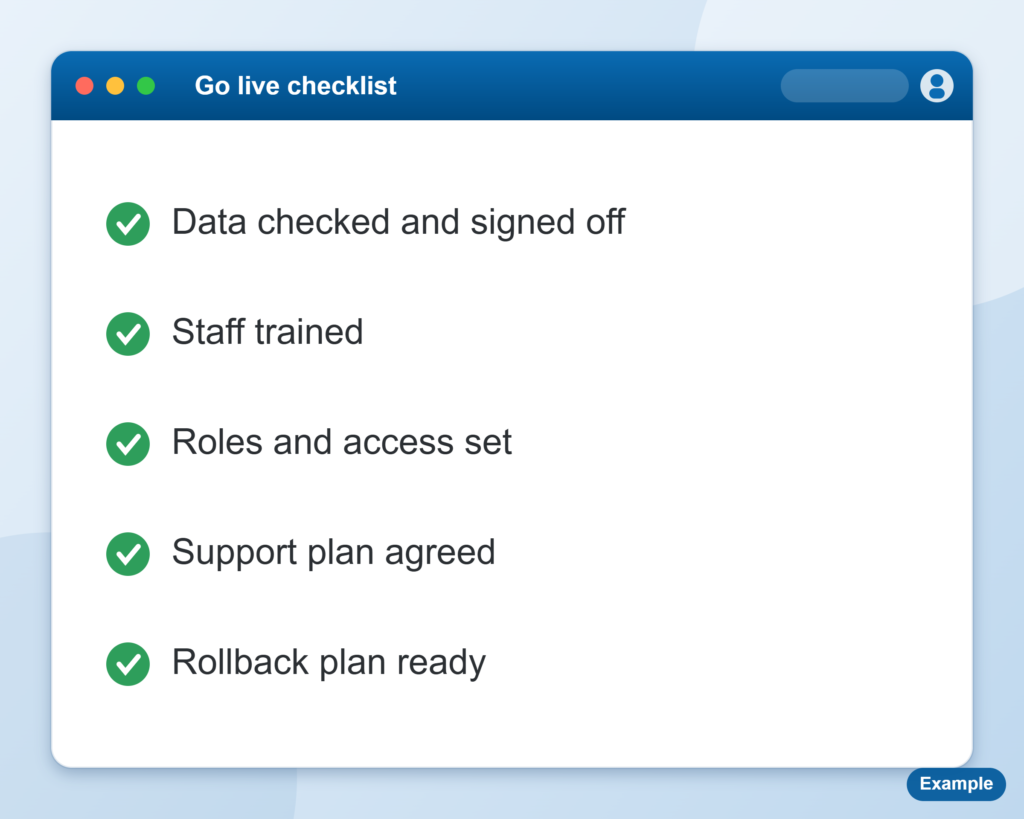
- Testing, go-live and the first few weeks after.
- Staying on as system administrator afterwards if you want that.
Project management
- A plan with clear steps, owners and dates.
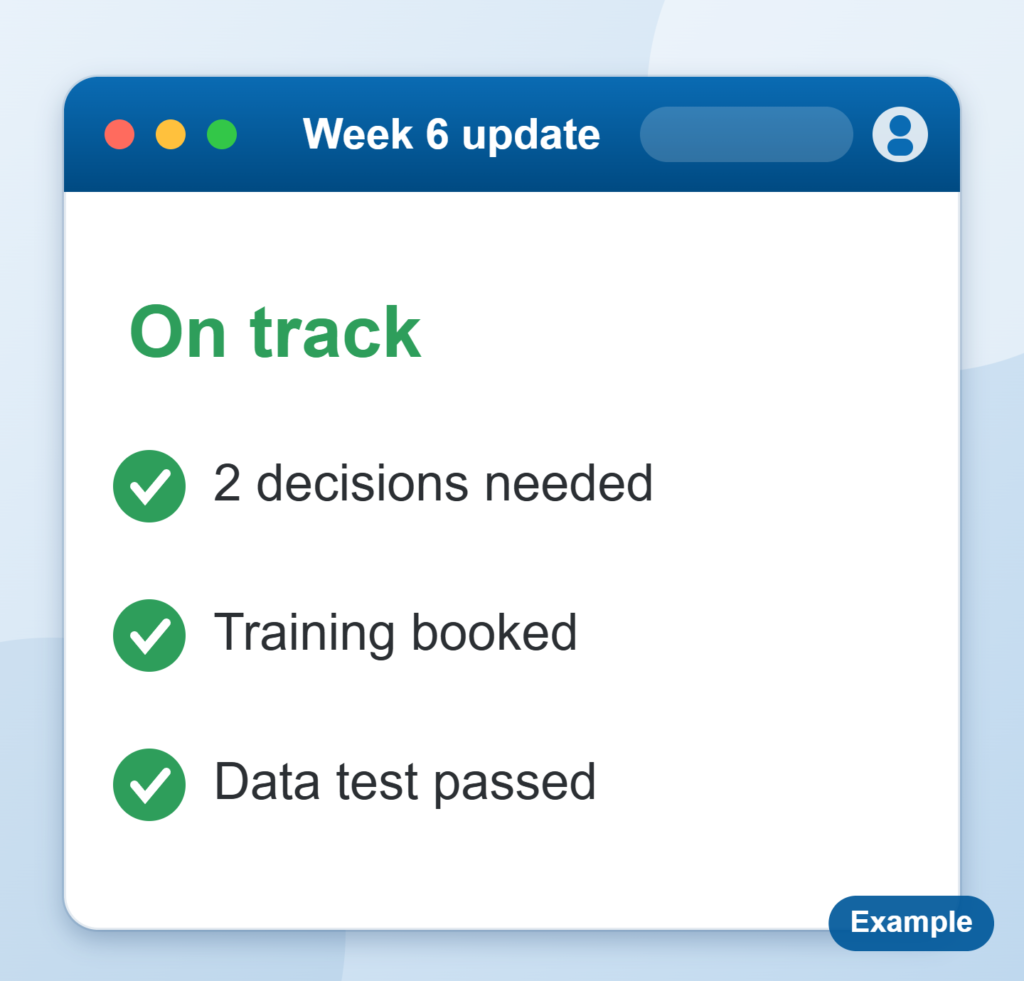
- Weekly updates and written notes, so you always know where things stand.
- Tracking risks and open issues, and getting decisions made.
- Coordinating your team and the vendor through testing and go-live.
You can book all three together, or just the part you need. If a vendor is already doing the setup, we can run the project alongside them.
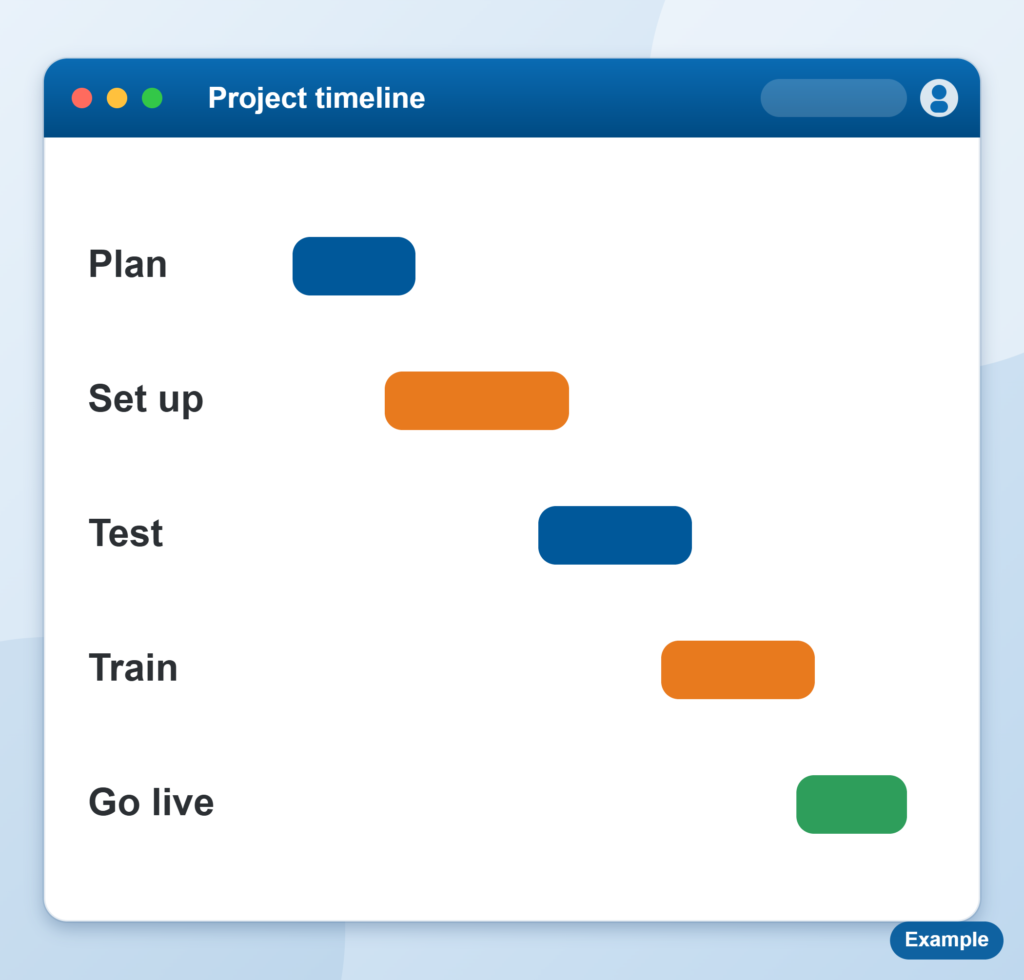
How a typical project runs
- Scope: what the system must do on day one, and what can wait.
- Set up: configuration, permissions, integrations and data.
- Test: real scenarios from your own team, not just the vendor script.
- Go live: a cutover plan, with people on hand.
- Settle: the first weeks, fixing what real use shows up.
Across platforms
We have worked across multiple care management and finance software platforms, so we can tell you what is normal and what is a red flag. If you are already mid-project and it feels off, ask us about a second opinion on your plan.
Providers run differently, and a setup that suits a small team can fall over as you grow. We look at what you actually do and set the system up for that, not for a generic template.
Who this suits
- Providers choosing or about to start a new system who want an experienced person alongside them.
- Teams with nobody spare to run the project.
- Providers already part way through who are not sure the project is on track.
Someone in your corner through go live
Rolling out a new system takes more than the vendor setup. We keep the project moving, make the technical calls and keep your team in the loop every week.
See it in practice
FOCUS Connect: we ran the project and acted as their contact with the software vendor.
Technical calls made for you
Guidance on how the system should be set up, and checking it is done properly, so your team is not left guessing.
The vendor gets chased
We talk to your software vendor and follow issues up until they are closed.
What this means for you
- One person making the technical calls, so your team is not left guessing.
- Your software vendor gets chased until issues are closed.
- Day to day operations keep running while you switch.
- You get the full value from the software you have invested in.
- Fewer surprises, because risks are raised early and written down.
- A team that is ready on go live day, not learning on the job.
Planning a rollout, or stuck in one?
Tell us where it is up to. Your first consultation is free.
